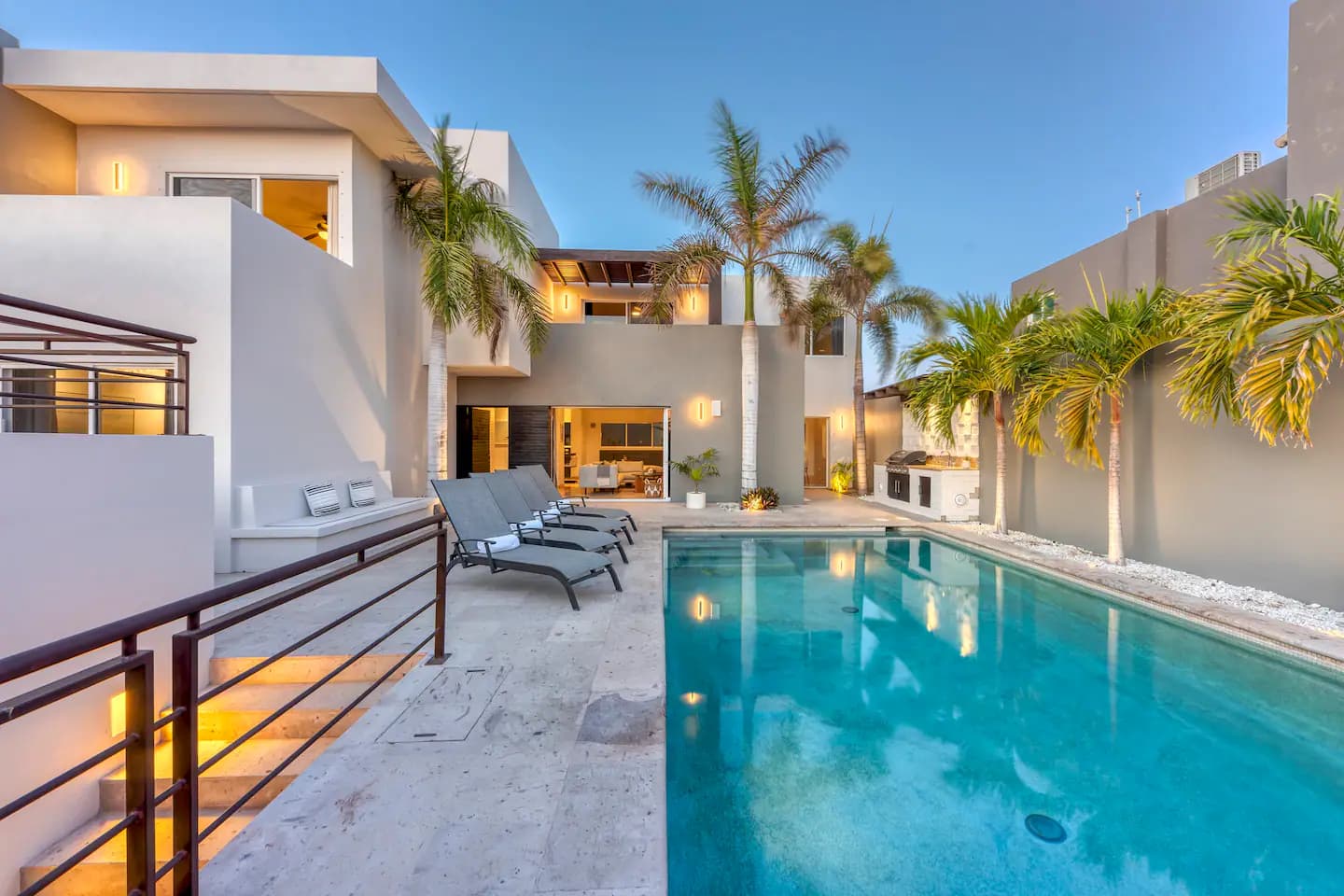
How to Start an Airbnb: The New Host Checklist
A new listing gets one shot at Airbnb’s early-visibility boost. Here’s how to make sure it’s ready before you go live.
You get one shot at a new-listing launch — Airbnb and VRBO both give fresh listings a temporary visibility boost, and what you do before that window opens determines whether it turns into real bookings or gets wasted on a listing that isn’t ready. Here’s the order that protects that boost.
1. Research your comp set before you price anything
Find 8–12 similar listings in your area and note their price, amenities, and review count before you set your own rate. Pricing blind on day one either scares off your first bookings or leaves easy money on the table during the exact window you're getting extra search visibility.
2. Shoot photos like the listing depends on them (it does)
Your cover photo needs to win the scroll in under a second — wide, well-lit, and showing your best room or view. Plan the full photo set as a walkthrough a guest could follow, and get a shot of every amenity you’ll claim.
3. Write the title and description around one differentiator
Lead with the single strongest reason someone books this specific property — a view, a hot tub, walking distance to something specific — not a generic description that could apply to any listing in the city.
4. Audit every amenity honestly
Every amenity you tag is also a search filter a guest can use to find you. Missing an honest tag (parking, workspace, self check-in) means you’re invisible to anyone filtering for it, even if you actually offer it.
5. Set your calendar and response settings before, not after, launch
Turn on Instant Book if you’re comfortable with it, and make sure your calendar has no stale blocks. Decide your response-time habit before the first inquiry arrives — the new-listing boost is wasted if early guests get a slow reply.
6. List consistently across every platform you’ll use
If you’re launching on Airbnb, VRBO, or both, keep your photos, pricing, and positioning consistent across platforms from day one — fixing mismatched listings later costs more time than getting it right once.
Why the order matters
Airbnb’s new-listing boost is temporary and non-repeatable — it rewards early performance (views converting to bookings, fast responses) with more visibility, and penalizes a rough start with less. Doing the research, photos, and setup work before you go live — not during the boost window — is what turns that one-time advantage into a listing that keeps ranking well after it ends.
How long does it take to set up a new Airbnb listing?
A basic listing can go live in a day, but a properly prepared one — photos shot, pricing researched, amenities audited — usually takes 1–2 weeks to do well. Rushing this stage costs you Airbnb’s new-listing visibility boost, which you only get once.
Do I need professional photos before I launch?
Strongly recommended. Since new listings get a temporary search boost, showing up with weak photos during that window wastes the one period you’re guaranteed extra visibility — it’s worth delaying launch a few days for good photos rather than going live early with bad ones.
Want this done for you?
New Listing Launch & Multi-Platform Setup
You get one shot at a new-listing launch — Airbnb and VRBO give fresh listings an early visibility boost. We make sure it lands on a listing that’s already dialed, not one you’re still fixing.
Prefer to learn it yourself? This is covered in Module 1 — Foundations of the course.
The Airbnbpreneurs Course
Run your listing like a business — in 8 modules.
Optimization, pricing, operations, marketing, scaling, and the money & legal foundations. No fluff — a 90-day plan you actually execute.